
Product information guide for the SteelSeries Apex 3 TKL keyboard, covering setup, multimedia controls, and macro recording.
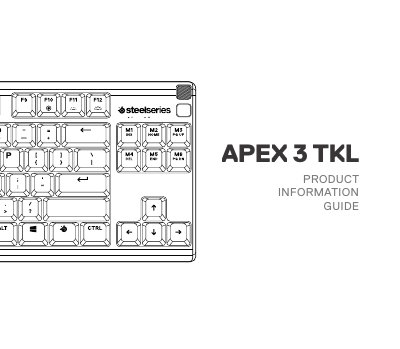
The SteelSeries Apex 3 TKL is a gaming keyboard compatible with PC, Mac, Xbox One, Xbox Series X, PlayStation 4, and PlayStation 5. It features dedicated controls for multimedia, illumination brightness, and on-the-fly macro recording.
Users can further customize lighting and macros using the SteelSeries Engine software, which is part of the SteelSeries GG suite.
| Platform Compatibility | PC, Mac, Xbox One, Xbox Series X, PlayStation 4, PlayStation 5 |
|---|---|
| Connection Interface | USB 3.0 |
| Software Requirements | Windows 8.1+, macOS 10.12+, 120 MB free hard drive space |
Press and hold the SteelSeries Function Key and Macro Recording Key for 3 seconds to start, type the combinations, and press them again to end.
Use the SteelSeries Function Key in combination with the Illumination Brightness Up or Down keys.
A single press plays or pauses, a double press skips forward, and a triple press goes back to the previous track.