
The Sony CFI-ZCT1G DualSense wireless controller manual provides setup, pairing, charging, safety, and maintenance instructions.
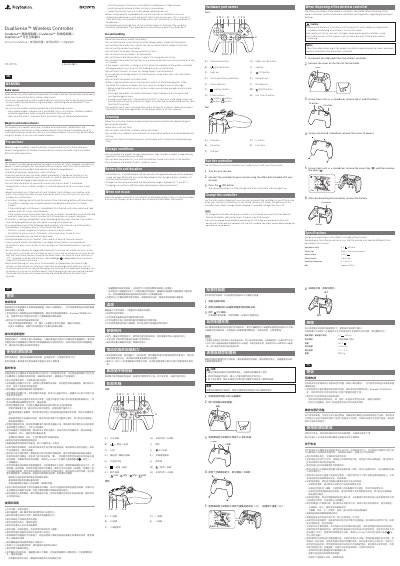
This manual covers the DualSense™ wireless controller (model CFI‑ZCT1G) made by Sony. It explains how to pair the controller with a PlayStation 5 console, charge the built‑in battery, and use the various buttons and features.
Key sections include hardware part names, step‑by‑step pairing, charging behavior, safety warnings (including medical‑device cautions), battery life guidance, cleaning and storage recommendations, and full technical specifications.
| Input power rating | 5 V 1,500 mA |
|---|---|
| Battery type | Built‑in lithium‑ion battery |
| Battery voltage | 3.65 V |
| Battery capacity | 1,560 mAh |
| Operating temperature | 5 °C to 35 °C |
| Mass | ≈ 280 g |
Turn on the console, connect the controller with the supplied USB cable, and press the (PS) button to power on the controller.
Yes, radio waves from the controller may affect pacemakers and other medical devices, so consult a doctor before using wireless functions.
Charge the controller in an environment where the temperature is between 10 °C and 30 °C.