
This manual covers the operation, technical specifications, and Modbus-RTU communication protocol for the SONBEST SM7320B RS485 bracket temperature and…
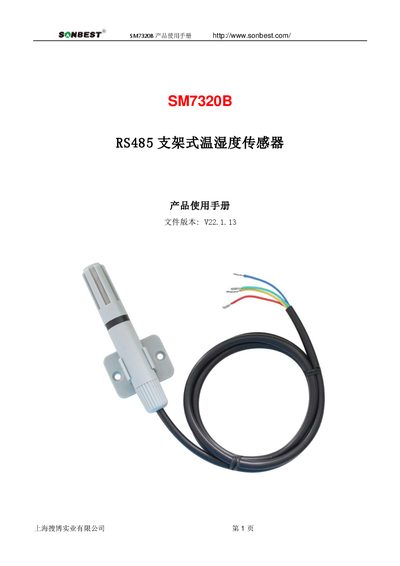
The SONBEST SM7320B is a bracket-style temperature and humidity sensor designed to monitor environmental conditions using an industrial standard RS485 bus with MODBUS-RTU protocol. It supports various output methods including RS232, CAN, 4-20mA, DC voltage, Zigbee, LoRa, WiFi, GPRS, and NB-IOT. The device features high precision and long-term stability for reliable data acquisition in industrial settings. This manual is written in Chinese.
| Temperature Measurement Range | -40℃~123.8℃ |
|---|---|
| Temperature Accuracy | ±0.5℃ @25℃ |
| Humidity Measurement Range | 0~100%RH |
| Humidity Accuracy | ±3%RH @25℃ |
| Communication Interface | RS485 |
| Default Baud Rate | 9600 8 n 1 |
| Power Supply | DC9~24V 1A |
| Operating Temperature Range | -40~80°C |
The default device address upon leaving the factory is 1.
Send a command with function code 0x03 (e.g., 01 03 00 00 00 02 C4 0B) to query the device.
Send a write command with function code 0x06 to register address 00 67, using codes where 3 is 9600 and 5 is 115200.