
Step-by-step guide for installing DC Surge Protection Device in SolarEdge Three Phase Inverters, including tools, cover removal, SPD board installation, and…
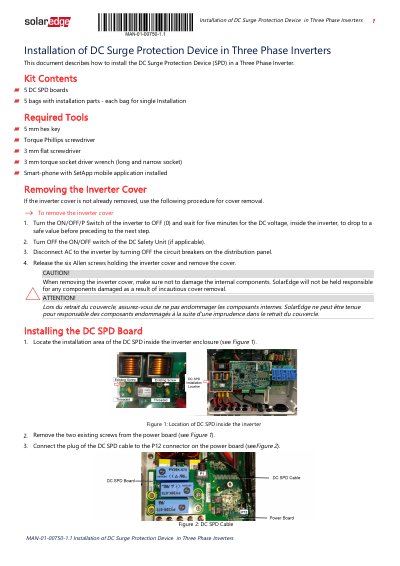
This guide details how to install the DC Surge Protection Device (SPD) in a SolarEdge Three Phase Inverter. It covers kit contents, required tools, cover removal, SPD board installation using standoffs and torque specifications, and configuration via the SetApp mobile application. Safety precautions are emphasized, including turning off power and waiting for voltage to drop before handling internal components.
The installation requires a 5 mm hex key, a Phillips screwdriver, a 3 mm flat screwdriver, a 3 mm torque socket driver wrench, and a smartphone with the SetApp application.
You must wait for five minutes for the DC voltage inside the inverter to drop to a safe value.
The short size metal standoff must be secured with a torque of 1.2 N*m (10.6 lb*in).