
Snap-on Elite Diagnostic Thermal Imager quick-start guide covering controls, charging, menus, image capture and ALTUS Wi-Fi registration.
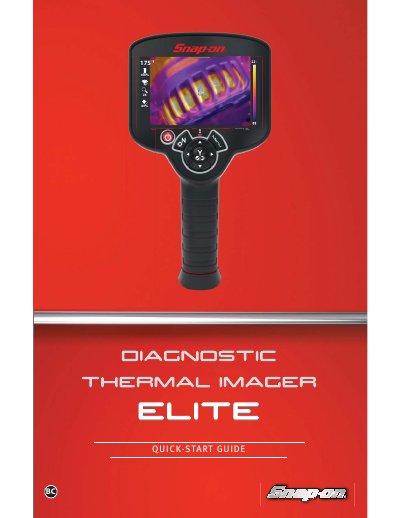
This quick-start guide introduces the Snap-on Elite Diagnostic Thermal Imager, including its controls and features, battery charging, and how to turn on the device and navigate the menus and toolbar.
It also covers capturing images and video, viewing settings and zoom options, connecting to Wi-Fi, and creating an ALTUS account to store and share images, with typical automotive applications listed.
| Zoom levels | 1X, 2X, 3X |
|---|---|
| Overlay opacity level | 0 to 100% |
Press and release the Power Button to turn on the Thermal Imager.
Pull the Trigger to save an image of the active screen.
Connect the supplied USB cable to the micro USB jack on the top of the Thermal Imager.
Pull the Trigger to start/stop video recording.