
Snap-on Ford Vehicle Communication Manual

This is a Ford vehicle communication manual that introduces Ford vehicle identification and testing methods.
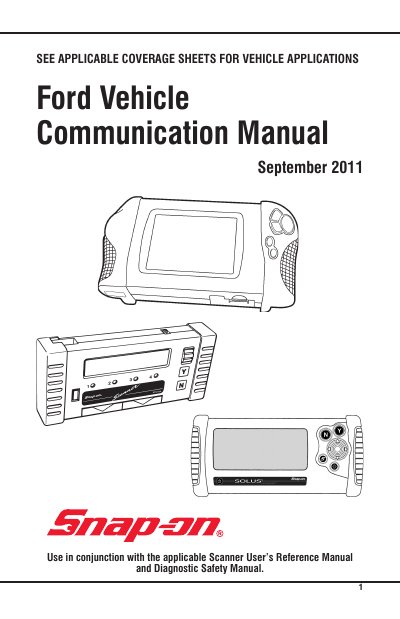

Snap-on Ford Vehicle Communication Manual - cover page
Brand
SNAPON
Category
Vehicle maintenance
Document type
User Manual
Language
English
Pages
112
File format
PDF
File size
1.1 MB
Published
19 October, 2023
Updated
19 October, 2023
MD5 checksum
53412241AEE327C0803ADD5088938075

About this manual

This manual provides instructions for using Snap-on’s diagnostic scanner with Ford vehicles. It includes sections on connecting the scanner, testing engine and transmission systems, ABS, airbag, and body electronics. Safety precautions and troubleshooting for communication issues are also covered.

The manual references additional manuals like the Scanner User’s Reference Manual and Diagnostic Safety Manual. It includes specific notes for Ford models using CAN bus systems and addresses compatibility issues with certain vehicles and software versions.

What's inside

  • Ford Vehicle Identification
  • Connecting the Scanner
  • Engine Control Systems
  • ABS Systems
  • Airbag Systems
  • Body Electronics Module
  • Security Systems
  • CAN Adapter Usage
  • Troubleshooting Communication Issues
  • Ford Code Descriptions

Frequently asked questions

What adapter is needed for testing certain Ford vehicles?

The CAN-1A or CAN-1B adapter is needed for testing certain Ford vehicles.

What should I do if the Scanner appears frozen during CAN adapter use?

Exit to the MAIN MENU, reselect TEST MENU, then select CODES or DATA to reprogram the CAN-1A adapter.

Which Ford vehicles do not support KOEO or KOER tests?

Transit Diesel Turbo vehicles do not support KOEO or KOER tests.

Download PDF (1.1 MB)

More SNAPON Manuals


View all SNAPON manuals →