
Snap-on APOLLO Ds ZEESCGB333A Scanner User Manual

This manual provides detailed instructions on how to use the ZEESCGB333A Scanner, including the basic features, power supply, basic operation and navigation, data cable connection, etc.
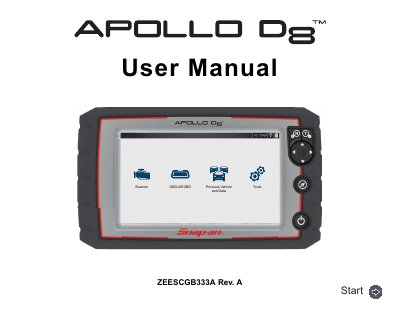

Snap-on APOLLO Ds ZEESCGB333A Scanner User Manual - cover page
Brand
SNAPON
Category
Vehicle maintenance
Document type
User Manual
Language
English
Pages
111
File format
PDF
File size
5.7 MB
Published
17 October, 2023
Updated
17 October, 2023
MD5 checksum
8CDB6C45DA774C2D878E124C9DAE02E4

About this manual

This manual guides users through operating the Snap-on APOLLO Ds diagnostic scanner, including powering the device, navigating menus, scanning vehicle codes, and using Wi-Fi. It also covers maintenance, safety procedures, and troubleshooting. Sections include basic operation, intelligent diagnostics, OBD-II/EOBD functions, and Snap-on Cloud integration.

What's inside

  • Safety Information
  • Quick Reference Information
  • General Information
  • Basic Operation and Navigation
  • Data Cable / Connections
  • Scanner
  • Vehicle Code Scan
  • Intelligent Diagnostics
  • OBD-I/EOBD
  • Previous Vehicles and Data

Frequently asked questions

What is the model number of the Snap-on diagnostic tool?

ZEESCGB333A

What is the product intended for?

This product is intended for use by properly trained and skilled professional automotive technicians.

Where is the product rated for use?

This product is rated for Pollution Degree 2 (normal conditions).

Download PDF (5.7 MB)

More SNAPON Manuals


View all SNAPON manuals →