
This is a user manual that introduces how to use the device for vehicle fault diagnosis
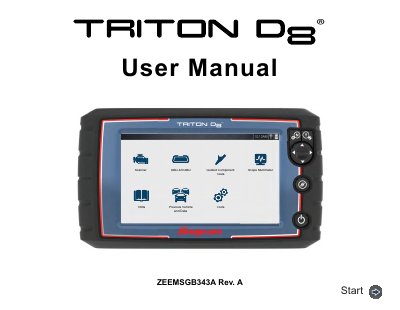
The document is a user manual for the Snap-on ZEEMSGB343A Triton DS, a professional automotive diagnostic tool. It details safety information, basic operation, navigation features, and specific functionalities such as vehicle code scanning, intelligent diagnostics, and guided component tests (GCTs). The guide also covers the integrated Scope Multimeter capabilities.
| Product Intended Use | properly trained and skilled professional automotive technicians |
|---|---|
| Environmental Conditions | indoor use only |
The product is intended for use by properly trained and skilled professional automotive technicians.
Refer to the accompanying Important Safety Instructions manual for a complete list.