
This document is the legal information section of the Snap-on ELITE user manual, introducing the copyright information and software license information of the product.
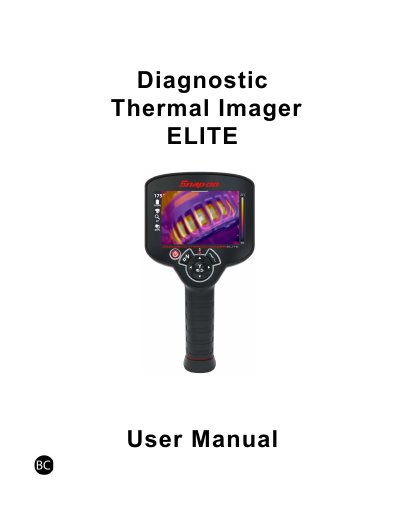
This manual provides instructions for the Snap-on ELITE diagnostic thermal imager, a handheld device used for thermal imaging and visual inspection. It covers startup and shutdown procedures, connecting to Wi-Fi networks, and navigating the device's various modes, including Live Mode, Full Thermal Mode, and Visual Light Mode.
| Frequency Band | 5.15GHz to 5.25GHz |
|---|---|
| Operating Environment | Indoor use only |
| Wi-Fi Standard | 2.4GHz B/G/N |
No, the device is not supported on 5GHz networks and must be configured to 2.4GHz.
The agreement is provided with the diagnostic tool or available at the Snap-on Diagnostics website.