
Operation manual for the SMC PFM3 Series Flow Monitor, covering safety, parts, mounting, operation, settings, wiring, and troubleshooting.
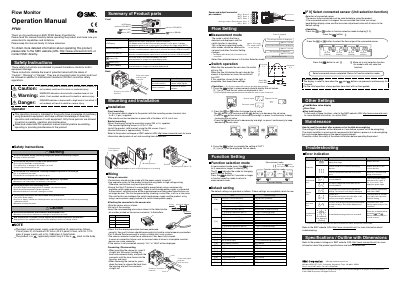
This manual is for the SMC PFM3 Series Flow Monitor. It covers safety instructions, product parts, mounting and installation, operation, function selection, function settings, wiring, and troubleshooting.
The monitor displays flow value, setting mode, and error indications. It has UP, SET, and DOWN buttons, plus OUT1 and OUT2 indicator LEDs for setup and output status.
| Panel thickness | 0.5 to 6.0 mm |
|---|---|
| Bracket tightening torque | 0.5 to 0.7 Nm |
| Bracket thickness | approximately 1.6 mm |
| Power supply | maximum 30 Vrms (42.4 V peak) |
| Switch output overcurrent threshold | 80 mA |
| Default hysteresis | 3% of rated flow range |
| Display modes | Four |
It is displayed during measurement mode when the sensor is not connected.
Reduce the flow.
3% of the rated flow range.
Press the UP and DOWN buttons simultaneously for 1 second or more.