
Skype Number Highlighting Guide

Guide to disable number highlighting in Skype to prevent HTML code alterations causing save errors.
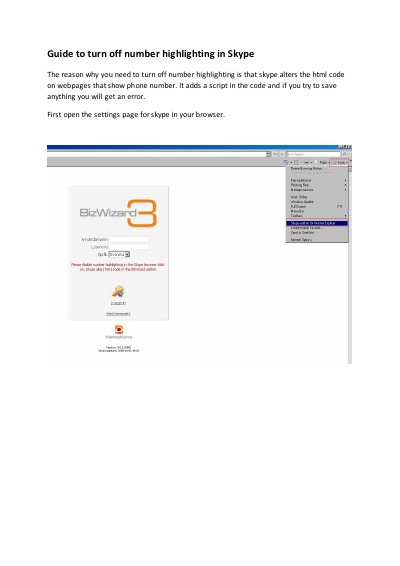

Skype Number Highlighting Guide - cover page
Brand
Skype
Category
Other
Document type
User Manual
Language
English
Pages
2
File format
PDF
File size
228 KB
Published
04 November, 2026
Updated
04 November, 2026
MD5 checksum
12288ACCA38A6C4E2073BA53B473BDF9

About this manual

This guide explains how to turn off number highlighting in Skype. It prevents Skype from altering HTML code on webpages that display phone numbers, which can cause errors when saving pages. To disable it, open Skype’s settings page in your browser, uncheck the number highlighting option, then restart your browser.

What's inside

  • Guide to turn off number highlighting in Skype
  • Prevent HTML code alterations
  • Restart browser after changes

Frequently asked questions

Why should I turn off number highlighting in Skype?

Skype alters HTML code on webpages that show phone numbers, adding a script that can cause errors when saving pages.

What happens if I try to save a webpage with number highlighting enabled?

You will get an error when you try to save anything.

What must I do after unchecking the number highlighting checkbox?

You need to restart your browser to finish the process.

Download PDF (228 KB)

More Skype Manuals


View all Skype manuals →