
This document is a quick start guide for Skype meetings.
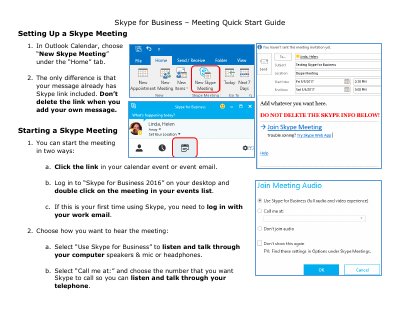
This guide explains how to set up a new Skype meeting using the Outlook Calendar interface. It details the steps to create an event, noting that the system automatically includes a Skype link which should not be deleted when adding custom messages.
The document also covers methods for starting the meeting, including clicking a calendar link or double-clicking the event in the Skype for Business 2016 desktop application. Users are instructed on how to log in with their work email if it is their first time using the service.
You can click the link in your calendar event or log in to Skype for Business 2016 and double-click on the meeting.
You need to log in with your work email.