
This Siemens STEP 7 V5.5 user manual provides a beginner’s guide to creating, configuring, and debugging PLC programs using STEP 7 software.
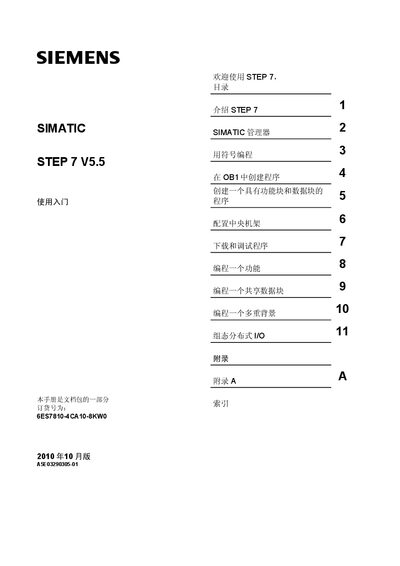
The Getting Started guide introduces the basic concepts of Siemens STEP 7 V5.5 and is aimed at new users who need to program SIMATIC S7‑300/400 controllers. It explains the software environment, safety requirements, and the hardware needed to follow the exercises.
The manual is organized into sections covering the SIMATIC Manager, symbolic programming, creating programs in OB1, working with function and data blocks, configuring the central rack, downloading and debugging programs, and programming functions, shared data blocks, and multiple backgrounds. Appendices and an index provide quick reference to topics such as distributed I/O configuration. This manual is written in Chinese.
| Order number | 6ES7810-4CA10-8KW0 |
|---|---|
| Release date | October 2010 |
| Supported PLC series | SIMATIC S7‑300/400 |
The manual uses symbols for danger, warning, caution and notice, each indicating the level of risk and required precautions.
You need a Siemens programming device or a PC, the STEP 7 software package with a license, and a SIMATIC S7‑300 or S7‑400 controller.