
Installation and commissioning guide for the Siemens RWD62 universal HVAC controller, covering application setup, displays, parameter modes, and operating…
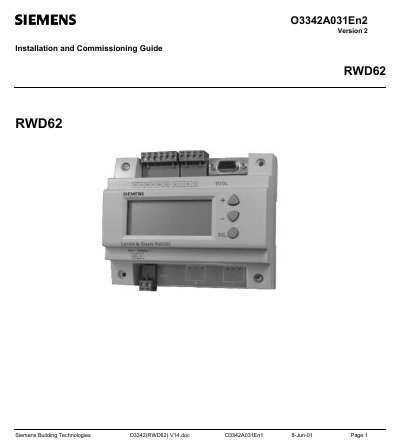
This guide describes installation and commissioning of the Siemens RWD62 universal controller for comfort control in HVAC systems. It explains the application number setup, display and programming screens, auxiliary control functions, main control loop settings, and the Service (PS) mode sequence.
The controller provides two 0 to 10 V dc analogue outputs and a main analogue input that can be set for °C, °F, %, or no specified unit. The separate digital input is provided for day/night mode changeover, and initial setup requires entry of the desired output configuration and auxiliary function.
| Analogue outputs | 2 outputs, 0 to 10 V dc |
|---|---|
| Main analogue input unit options | °C, °F, %, or no specified unit |
| X1 Ni 1000 sensor range | -50 to 150°C (unchangeable) |
| X1 Pt 1000 sensor range | -20 to 180°C (unchangeable) |
| X2 variable resistor range | 0 to 1000 Ω |
| Analogue output range | 0.0 to 10.0 Vdc |
| Integral action time | 0 to 4096 sec |
It is a universal controller used for comfort control in HVAC systems.
It provides two analogue outputs with a 0 to 10 V dc signal.
Press both buttons and hold them for 5 sec to enter the Service Mode.
It is provided for day/night mode changeover.