
Siemens RUGGEDCOM RS910 installation guide covering mounting, power and alarm relay connections, communication ports, specifications and certifications.
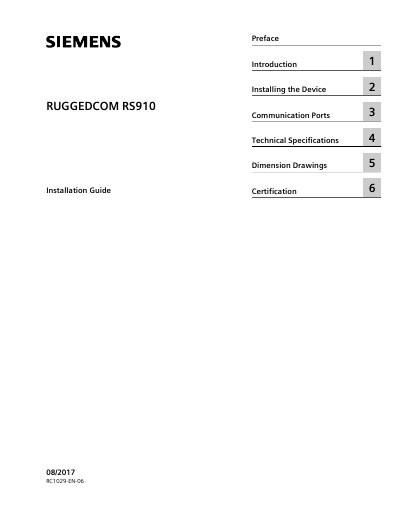
The RUGGEDCOM RS910 Installation Guide describes the device's major features, installation, commissioning and important technical specifications. It is intended for network technical support personnel responsible for installation, commissioning and maintenance, and also for network and system planners, system programmers and line technicians.
The guide covers mounting on a DIN rail or panel, connecting the failsafe alarm relay, high AC/DC and low DC power, and connecting and configuring the device. It also documents copper and fiber optic Ethernet ports, RS232/RS485/RS422 serial ports, power and relay specifications, operating environment and mechanical specifications, dimension drawings, and CSA, EU, FCC, FDA/CDRH, ISED, ACMA and RoHS approvals.
| Power supply type HI input range (hazardous environments) | 100-240 VAC |
|---|---|
| Power supply type 24 input range (hazardous environments) | 12-24 VDC |
| Maximum power consumption | 10 W |
| Failsafe relay isolation (hazardous environments) | 1500 V rms for 1 minute |
| Copper Ethernet port maximum distance | 100 m (328 ft) |
It describes the device's major features, installation, commissioning and important technical specifications. It is intended for network technical support personnel and other technical users.
It is 100 m (328 ft). The distance depends on the number of connectors and splices.
The guide covers RS232/RS485/RS422 serial ports using DB9, RJ45 and fiber connections, and connecting multiple RS485 devices.
Siemens warrants the product for five (5) years from the date of purchase, conditional on return to factory for maintenance during the warranty term.