
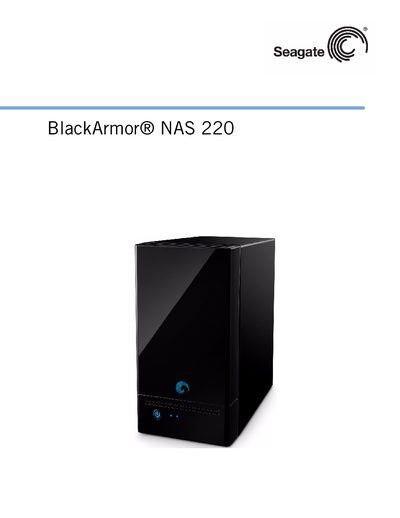
The Seagate BlackArmor NAS 220 user manual provides step‑by‑step instructions for setting up, configuring, and maintaining the NAS device. It covers hardware components, software tools, and administrative functions for both administrators and regular users.
Key sections include system requirements, installation procedures, network configuration, user account management, backup options, and troubleshooting tips. The guide also details hardware specifications such as drive bays, ports, and supported operating systems. This manual is written in Chinese.
| Drive bays | 2 replaceable SATA drives |
|---|---|
| Ethernet port | 1 Ethernet/LAN port |
| USB ports | 2 USB ports |
| Maximum users | Supports up to 20 users |
The device can support up to 20 users.
It uses two replaceable SATA (Serial ATA) drives.