
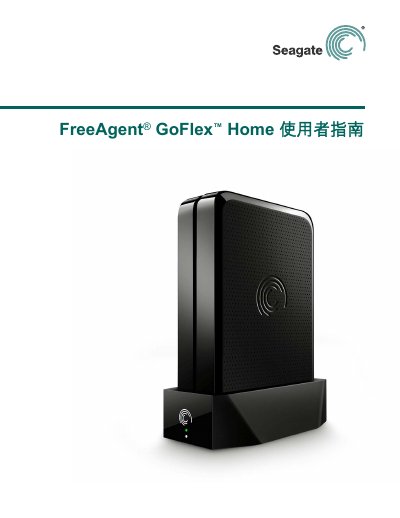
This user guide for the Seagate FreeAgent GoFlex Home network storage system explains how one external drive can serve all computers in a home. It covers centralized storage, automatic backup, user accounts, remote access, and printer sharing.
The guide describes Windows and Mac installation, adding users and PCs, using Seagate Dashboard and Seagate Share, copying and backing up files, sharing files with friends and family, using GoFlex Access on mobile devices, and troubleshooting common issues. This manual is written in Chinese.
| Storage capacity | 1 TB, 2 TB, or 3 TB depending on model |
|---|---|
| Drive dock compatibility | Compatible with all FreeAgent GoFlex Home or GoFlex Desk drives |
| PC processor requirement | Pentium III 500 MHz class processor or higher |
| PC memory requirement | 256 MB RAM |
| PC operating system | Windows XP, Windows Vista, or Windows 7 |
| Mac operating system | Mac OS X 10.5 or later |
| Mobile app iOS requirement | Apple iOS 4.3 or later |
| Mobile app Android requirement | Android 2.2 or later |
It is a network storage system that lets all computers in a home use one external drive and store files in a central location.
Up to five people or five computers on the home network can access it; Seagate Share Pro can upgrade to unlimited accounts.
Yes, the guide says it is compatible with Time Machine for Mac computers.
Through the web-based Seagate Share application, which provides access from anywhere inside or outside the home.