
User guide for connecting display devices to external PLCs using Schneider Electric's GP-Pro EX MODBUS TCP Master Driver.
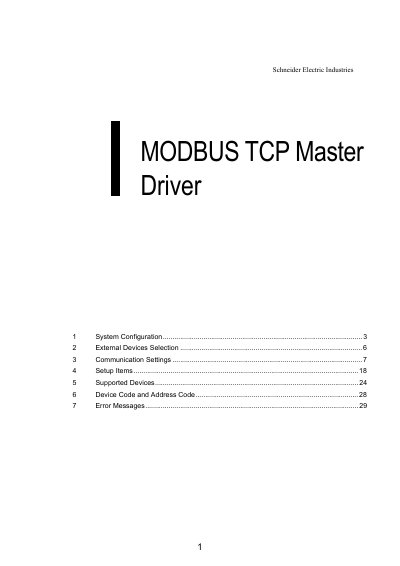
This manual provides step-by-step instructions for connecting display devices to external PLCs using the GP-Pro EX MODBUS TCP Master Driver. It covers system configuration, external device selection, communication settings, setup items, supported devices, device codes, and error messages. The guide includes examples for connecting Schneider Electric and Yokogawa devices, with detailed settings for GP-Pro EX and ladder software like PL7 PRO.
The manual also explains how to configure IP addresses, synchronize system data areas, and handle error messages, including error codes and device address formats for different device types. This manual is written in Chinese.
Set the IP address on the external device for the IP address in Device-specific settings. You need to set the IP address of the Display in its off-line mode.
The device code for a coil is 0080, and the address code is the value of (word address - 1) divided by 16.
Error messages are displayed as: "No. : Device Name: Error Message(Error Occurrence Area)".