
User guide for Schlage Touch keyless touchscreen deadbolt (BE375) and lever (FE695): lock parts, operation, battery, programming and troubleshooting.
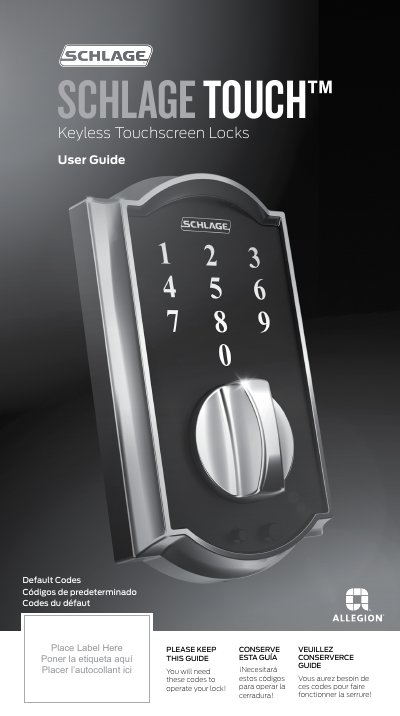
This user guide covers the Schlage Touch keyless touchscreen locks, model BE375 (deadbolt) and model FE695 (lever). It describes the lock parts, how to lock and unlock from outside and inside, how to change the 9 volt battery, and how to use the emergency battery jump start if the battery dies.
A programming guide section explains the six-digit Programming Code and four-digit User Codes, indicator light signals, basic and enhanced controls, recording your codes, troubleshooting, and how to restore factory settings. Warranty information and default code locations are also included.
| Battery | 9 volt alkaline |
|---|---|
| User Codes | Up to 19 four-digit codes |
| Programming Code | Six digits |
| User Code | Four digits |
| Warranty | Lifetime limited mechanical and finish; 3-year limited electronics |
You can jump start the lock with a 9 volt battery: press it onto the contacts below the thumbturn or lever, then enter your user code to unlock.
Up to 19 User Codes can be stored in the lock at one time.
Use a high-quality alkaline 9 volt battery for replacement. Lithium batteries are not recommended because they fail quickly.
Green means a correct user code was entered or the programming process is complete.