
A quick start guide for installing and setting up the Schlage Encode Touchscreen Deadbolt, covering hardware assembly, smartphone pairing, and basic operation.
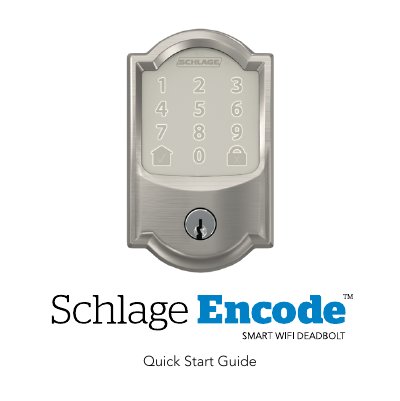
This document serves as a quick start guide for the Schlage Encode Touchscreen Deadbolt. It details the necessary tools, such as a Phillips screwdriver, and provides step-by-step instructions for removing an existing lock, installing the bolt, strike, touchscreen assembly, backplate, and connecting internal cables. The guide emphasizes safety precautions, specifically advising against using power drills to prevent damage.
A Phillips screwdriver is required; do not use a power drill as it may damage the lock.
The Low Battery Icon flashes after a code is entered when the battery is low, or remains solid when critical.
The 'X' icon will flash on the touchscreen to indicate an incorrect entry.