
User guide for the Schlage LE130 universal remote controller for split-type air conditioners, covering operation, system setup, and Z-Wave enrollment.
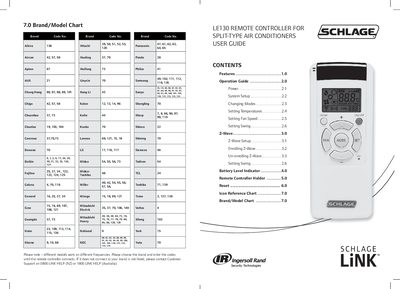
This manual provides instructions for operating the Schlage LE130 Universal Remote Controller for split-type air conditioning systems. It details how to power the unit, select operating modes (Auto, Cool, Dry, Fan, Heat), set temperatures between 16°C and 32°C, and adjust fan speeds and swing functions. A comprehensive brand and model code chart is included to help users enroll their specific air conditioner brand.
| Temperature Range | 16°C to 32°C |
|---|---|
| Fan Speed Options | AUTO, LOW, MEDIUM or HIGH |
| Operating Modes | AUTO, COOL, DRY, FAN and HEAT |
| Battery Levels | Full, Good, Low, Empty |
Press and hold the SET and FAN buttons simultaneously for 3 seconds until the LED light flashes 3 times.
Gently press the RESET button with a thin instrument once. Note that Z-Wave and Brand Codes will not reset.