
Sanwa WaAERGw10 ergonomic wireless mouse user's manual with cautions, specifications, battery insertion, USB receiver connection and troubleshooting.
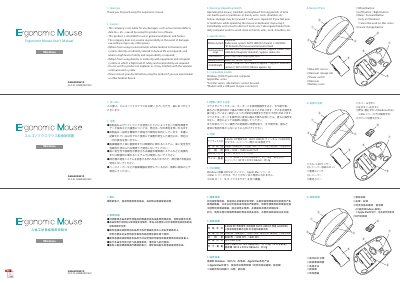
This is the user's manual for the Sanwa WaAERGw10 ergonomic wireless mouse (FCC ID: 2AMSUW19HC). The same booklet is printed in English, Japanese and Chinese and covers the opening note, cautions on use, health warnings about long periods of mouse work, specifications, compatible operating systems and the names of the parts.
The second part explains how to insert the supplied AAA batteries, how to connect the receiver to a USB port, how the Auto Link ID (channel) is set, and what to do when the cursor does not move, starts slowly after sleep mode or moves unevenly on reflective or transparent surfaces. The warranty term is given as one year, followed by inquiry contacts.
| Wireless system | 2.4 GHz RF, radio wave system AUTO LINK (32 channel x 65000 ID); ID between mouse and receiver is fixed |
|---|---|
| Communication range | Wooden desk (nonmagnetic material) approx. radius 10 m; steel desk (magnetic material) approx. radius 2 m |
| Resolution | 800 / 1200 / 1600 count per inch |
| Reading method | Blue LED sensor system |
| Mouse dimensions and weight | W68 x D118 x H66 mm, approx. 118 g (including batteries) |
| Receiver dimensions and weight | W15 x D19 x H6 mm, approx. 2 g |
| Batteries | Supplied AAA batteries |
| Warranty term | 1 year |
Turn on the PC and wait until Windows starts up completely, then connect the receiver to a USB port of the computer; hardware detection starts automatically.
The manual says to use new AAA alkaline batteries when replacing batteries, and to turn the mouse off while replacing them.
The product enters sleep mode to conserve the battery; pressing a button on the mouse restores movement but it takes a few seconds.
The warranty term stated in the manual is one year.