
User manual for the SANWA GMAURC1FCC ergonomic wireless mouse, covering setup, charging, compatibility, and troubleshooting.
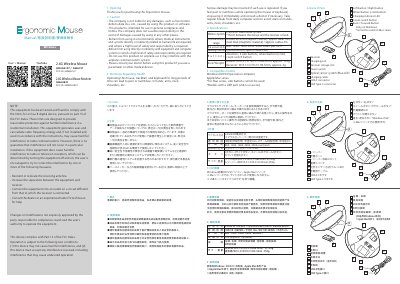
This document is the user manual for the SANWA GMAURC1FCC Ergonomic Wireless Mouse. It provides instructions on how to charge the device using the included USB Type-C cable, noting that charging is complete when the LED turns off after approximately 3 to 4 hours. The manual also details the mouse's specifications, including its optical sensor system, resolution options, and physical dimensions.
| Wireless System | 2.4G |
|---|---|
| Communication Range (Wooden desk) | approx. radius 10m |
| Communication Range (Steel desk) | approx. radius 2m |
| Resolution | 800-1200-1600-2000-2400 count per inch |
| Reading Method | Optical sensor system (Blue LED) |
| Buttons | 2 buttons, 2 side buttons, wheel button (scroll, count switch button) |
| Mouse Dimensions | W90.4xD109.3xH64.5mm |
| Mouse Weight | approx. 130g |
| Receiver Dimensions | W13.3xD19.2xH4.5mm |
| Receiver Weight | approx. 2g |
| Charging Time | about 3 to 4 hours |
Charging is complete when the LED turns off.
Red indicates low battery, Orange indicates charging, and Off indicates charging is complete.
No, the side buttons cannot be used on Mac series computers.
Tracking performance may degrade on surfaces that reflect light, such as mirrors, or on transparent surfaces like glass.