
Chinese user manual for the RS‑700 and RS‑730 handheld thermal imaging cameras, covering safety, operation, and specifications.
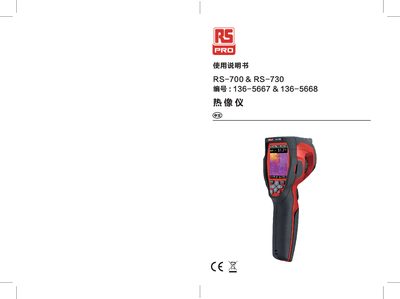
The RS‑700 and RS‑730 are handheld infrared thermal imaging cameras designed for predictive maintenance and equipment troubleshooting. The manual provides safety guidelines, charging procedures, and detailed instructions for operating the device, including menu navigation, image modes, and measurement functions.
It also describes technical specifications, calibration, data storage, connectivity options (USB, HDMI, micro‑SD), and troubleshooting steps, as well as information on the companion Android/iOS Thermview app for image analysis and sharing. This manual is written in Chinese.
| Infrared resolution | 80 × 80 (RS‑700) / 160 × 120 (RS‑730) |
|---|---|
| NETD (thermal sensitivity) | < 0.1 °C @ +30 °C |
| Frame rate | 50 Hz |
| Temperature accuracy | ±2 °C or ±2 % of reading |
| Battery | 3.7 V, 2600 mAh Li‑ion |
| Weight (incl. battery) | < 500 g |
| Dimensions (L × W × H) | 224 mm × 77 mm × 96 mm |
| Power input | 5 V DC via USB‑mini charger |
| Storage media | 8 GB micro‑SD card (max) |
| Video format | MPEG‑4, 1280 × 960 @ 30 fps, > 60 min |
Charge the device for at least 1.5 hours before first use.
Open the Settings menu, select “Range”, and choose either –20 °C ~ +150 °C or 0 °C ~ +350 °C.
In the Measurement menu select “Emissivity” and set a value between 0.01 and 1.00.
Connect the camera via the USB‑mini port and choose either “Storage Device” or “Camera” mode on the PC.