
The RS-172/RS-172TK data logger manual explains features, specifications, operation steps, and software usage for temperature and humidity monitoring.
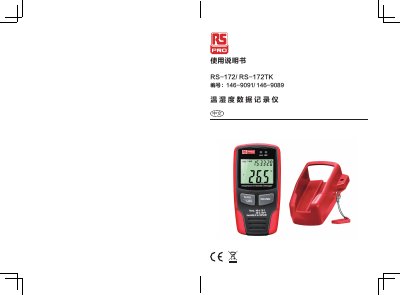
This manual describes the RS-172 and RS-172TK temperature‑humidity data loggers, highlighting their high‑precision sensors, LCD display, USB connectivity, and configurable alarm functions. It details the device’s technical parameters, storage capacity, battery type, and sampling rate options.
The accompanying PC software allows users to set sampling rates, configure alarms, download recorded data, and view curves or tables. Instructions cover battery replacement, date/time setting, alarm configuration, and file saving in .record or .xls formats. This manual is written in Chinese.
| Relative humidity range | 0~100% RH |
|---|---|
| Humidity accuracy (0‑20% & 80‑100% RH) | ±5.0% |
| Temperature range | -40~70 °C (-40~158 °F) |
| Temperature accuracy (-40 to -10 °C, 40‑70 °C) | ±2 °C |
| Maximum data storage (RS‑172) | 32 700 records |
| Maximum data storage (RS‑172TK) | 67 584 records |
| Battery | 3.6 V Li‑ion |
| Resolution | 0.1 %RH, 0.1 °C |
| Sampling rate | 1 s to 24 h |
Tap the date/time icon, open the setting window, and enter the desired date and time.
Connect the logger to a PC with the supplied USB cable, run the provided software, click the download icon, and select “Download”.
Replace the depleted battery with a new 3.6 V Li‑ion cell.
Open the Alarm Setup, set high and low limits for temperature and humidity, choose the temperature unit, and enable LED flashing for alerts.