
This manual provides fault diagnosis information for Rexroth IndraDrive industrial drives, covering display priorities, error levels, warnings, and command…
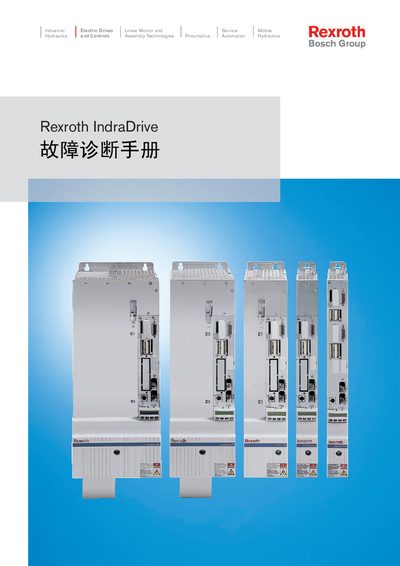
This manual serves as a guide for understanding and processing fault and diagnosis information for the Rexroth IndraDrive industrial drive system. It details the display priorities used by the controller to show current diagnostic data, including drive numbers, error messages, warnings, and operational states.
The document categorizes errors and warnings into specific levels based on their impact on the drive's operation. It explains the drive's automatic reaction to these errors, such as reducing torque or stopping, and describes how to clear errors using control unit commands or the controller panel. Additionally, it covers diagnostic information displayed during the drive's startup sequence, including software loading and initialization phases. This manual is written in Chinese.
| Drive Number Display | 8-bit |
|---|
Errors cannot be cleared automatically; they must be cleared by activating the control unit with command C0500 or by the user via the control panel.
If a major error occurs while the drive is in control, the drive controller automatically starts an error reaction, resulting in a loss of torque.
No, warnings cannot be cleared externally and remain active until the condition is resolved.