
The ResMed Astral 150 user manual provides setup, operation, and troubleshooting instructions for the ventilator.
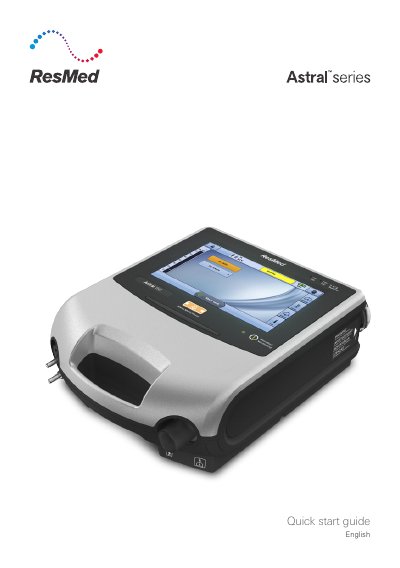
The Astral 150 is a ventilator with a touch‑screen interface, multiple power options (AC mains, DC battery, car adapter, ResMed Power Station II), and a range of patient circuit adapters. It includes visual and audible alarms, a Clinical mode for extended monitoring, and optional accessories such as humidifiers and antibacterial filters.
The guide walks users through powering on the device, configuring circuits, enabling additional programs, and using features like the Setup Assistant and Big‑buttons mode. It also details alarm handling, menu navigation, and accessory attachment procedures.
| Power sources | AC (mains) and DC (external battery, car adapter, ResMed Power Station II) |
|---|---|
| Low flow oxygen input | Up to 30 L/min |
| Air inlet filter | Hypoallergenic filter included |
| Battery type | Internal rechargeable battery |
Press the green power on/off switch at the back of the device; the system check runs and then the Patient Home screen appears.