
The ResMed Astral 150 user manual provides setup instructions, interface overview, tubing configuration, alarm handling, and accessory connections for the…
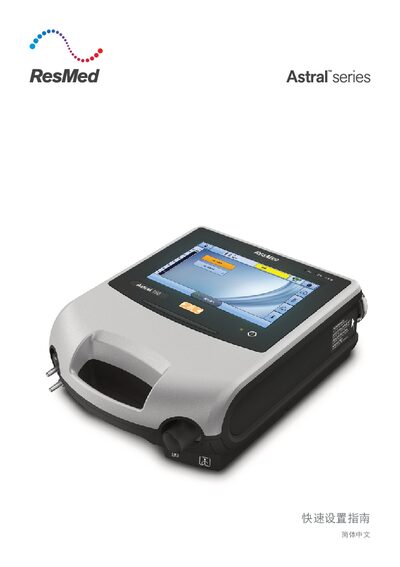
The Astral 150 is a ResMed ventilator designed for patient respiratory support. This guide covers quick setup, device interface, power options, and safety features.
Key sections include step‑by‑step tubing installation, alarm management, humidifier and filter connections, and how to access clinical mode for advanced settings. The manual also lists the device’s ports and indicators for proper operation. This manual is written in Chinese.
| Low flow oxygen input | max 30 L/min |
|---|---|
| Air inlet | with low‑allergen filter |
| Ethernet port | maintenance use only |
| USB port | for ResScan download and approved accessories |
| DC power plug | standard DC input |
| Pulse oximetry sensor connector | sensor interface |
| Remote alarm connector | 5‑pin connector |
Press the green power switch on the back of the device; it will perform a system check before the patient screen appears.
Use the alarm mute/reset button: solid light means an active alarm, flashing means mute is on, and no light means no active alarm.