
This manual provides instructions for installing, programming and operating the ESP Modular Controller.
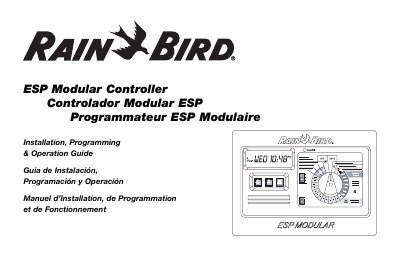
The Rain Bird ESP Modular Controller is an irrigation timing device designed for residential and light commercial use. It is available in two basic models: the ESP-4Mi for indoor use and the ESP-4M for indoor or outdoor use. The basic unit supports four valves and a master valve or pump start relay. By adding optional internal modules, the controller can manage up to thirteen valves, including an auxiliary valve, along with a master valve or pump start relay.
| Basic Unit Valve Support | four valves and a master valve/pump start relay |
|---|---|
| Maximum Valve Support with Modules | up to 13 valves |
| Included Valve Types | including an auxiliary valve |
| Indoor Model | ESP-4Mi |
| Indoor or Outdoor Model | ESP-4M |
The two basic models are the ESP-4Mi for indoor use and the ESP-4M for indoor or outdoor use.
The Alarm LED turns on when watering is suspended by a sensor, a valve short circuit is detected, or a programming error has been made.
It is used to start the irrigation program manually or to manually advance watering from one station to the next.