
This manual provides installation, operation, maintenance, and troubleshooting instructions for the Plustek USB scanner.
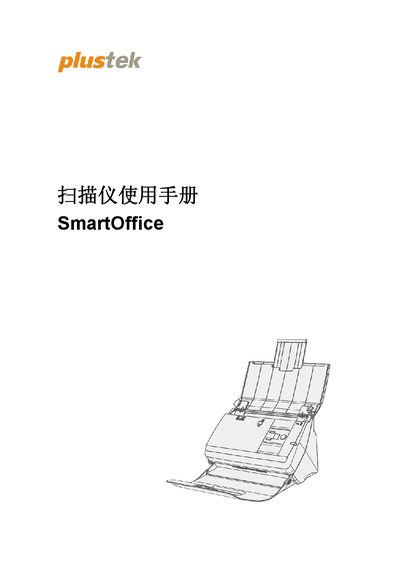
This user manual guides users through the setup and usage of a Plustek USB scanner. It covers system requirements, unboxing contents, and step-by-step hardware and software installation procedures compatible with Windows XP through 10.
The guide details how to prepare documents for scanning, including handling standard files, business cards, and plastic cards using the Automatic Document Feeder (ADF). It also explains how to execute scans via software menus or scanner buttons. This manual is written in Chinese.
The scanner operates under Microsoft Windows XP, Vista, 7, 8, or 10.
You should configure at least 2 GB of memory.