
Plustek OpticFilm 720 User Manual

This manual introduces the installation, use and maintenance methods of Plustek's USB scanner.
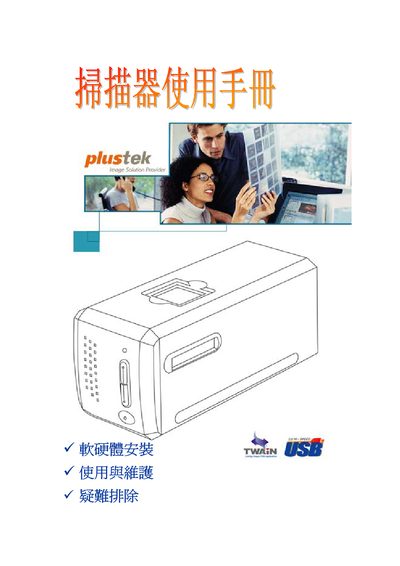

Plustek OpticFilm 720 User Manual - cover page
Brand
Plustek
Category
Scanner
Document type
User Manual
Language
English
Pages
30
File format
PDF
File size
673 KB
Published
20 September, 2011
Updated
30 September, 2023
MD5 checksum
55DD88A87466E8B4BE68B845301DA1B7

About this manual

This manual explains how to install and use the Plustek OpticFilm 720 flatbed scanner. It covers connecting the device via USB, installing the QuickScan and SilverFast software, and configuring the scanner on supported Windows operating systems.

Supported operating systems include Windows 98/Me, Windows 2000 Professional, Windows XP, and Windows NT 4.0. The guide also provides basic troubleshooting steps and contact information for customer support.

What's inside

  • Installation
  • Software Setup
  • USB Connection
  • Scanning Operation
  • Supported Operating Systems
  • Troubleshooting
  • Customer Support
Download PDF (673 KB)

More Plustek Manuals


View all Plustek manuals →