
This manual is a guide for software and hardware installation, usage, and maintenance. It provides instructions on how to install a USB scanner, set up the software, and maintain the scanner. The manual also includes troubleshooting solutions. The content of the manual is specific to products associated with certain company names and registered trademarks.
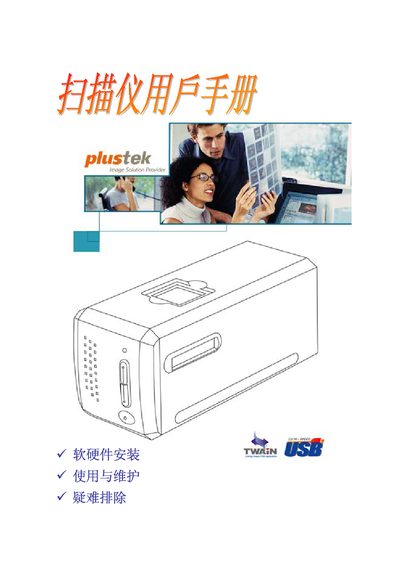
This manual introduces the Plustek OpticFilm 7200 USB scanner, lists the original accessories, and details the system requirements for Windows computers. It guides users through hardware connection, software installation, and configuration steps.
The second part covers everyday use, maintenance tips, and a troubleshooting appendix. Technical specifications and warranty information are provided in the final appendices. This manual is written in Chinese.