
The manual provides installation, operation, maintenance and troubleshooting instructions for the Plustek MobileOffice scanner.
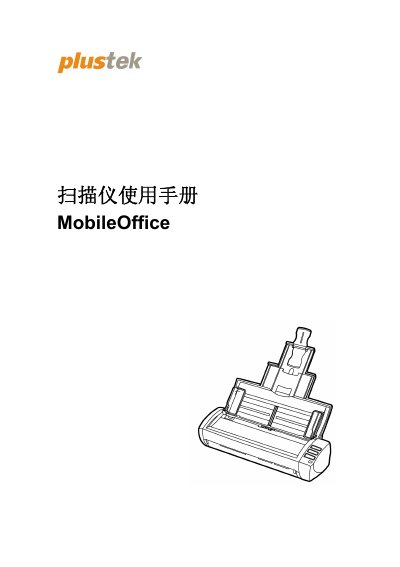
This user manual guides you through setting up the Plustek MobileOffice scanner, including system requirements, required accessories, and step‑by‑step installation. It also explains how to use the scanner’s features such as ADF, PDF, BCR and Scan buttons.
Later sections cover routine cleaning, part replacement, calibration, power‑saving controls, and a full specifications table. Service and warranty information, as well as FCC compliance details, are provided at the end of the document. This manual is written in Chinese.
| Optical component | CIS x 2 |
|---|---|
| Scan resolution | 600 dpi |
| ADF capacity | 20 sheets (A4/Letter) |
| USB interface | USB 2.0 |
| Power supply | 24 Vdc / 0.75 A |
| Net weight | 1.3 kg |
| Dimensions (W×D×H) | 288.5 × 98 × 75 mm |
The scanner is powered by an external AC transformer that provides 24 V DC at 0.75 A.
The automatic document feeder can hold up to 20 sheets of A4/Letter size paper.