
Key facts
- Manuals
- 6
- Models
- 1
- Categories
- 1
- Languages
- EN · ZH
- Last added
- 2011-09-20
Plustek models by category
Featured Plustek manuals
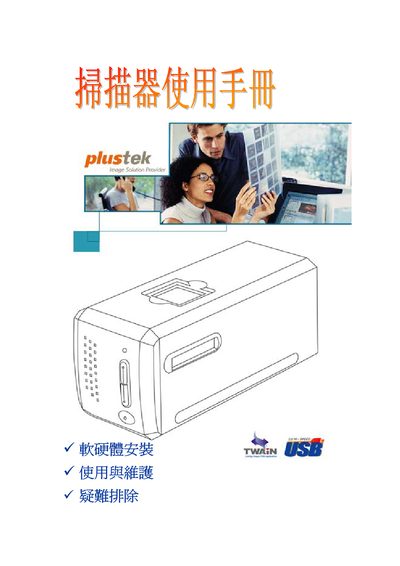
Plustek OpticFilm 720 User Manual
This manual explains how to install and use the Plustek OpticFilm 720 flatbed scanner. It covers connecting the device via USB, installing the QuickScan and SilverFast software, and configuring the scanner on supported Windows operating systems.
Supported operating systems include Windows 98/Me, Windows 2000 Professional, Windows XP, and Windows NT 4.0. The guide also provides basic troubleshooting steps and contact information for customer support.
Covers: Installation · Software Setup · USB Connection · Scanning Operation · Supported Operating Systems · Troubleshooting
Plustek OpticPro USB Scanner User Manual
This manual provides step‑by‑step instructions for installing the Plustek OpticPro USB scanner, including hardware connection, software setup, and optional driver installation. It also covers system requirements, original accessories, and how to register the product for support.
Additional sections describe routine use, calibration, troubleshooting common issues, detailed specifications for related OpticSlim models, and warranty information. The guide is intended for Windows users familiar with USB devices. This manual is written in Chinese.
Covers: Introduction · System Requirements · Original Accessories · Installation · Software Installation · Hardware Connection

Plustek USB Scanner Installation and User Manual
This manual provides step‑by‑step instructions for installing a Plustek USB scanner, including hardware connection, driver installation, and required system specifications. It also explains how to use the scanner utilities, calibrate the device, and enable power‑save features.
Additional sections cover routine maintenance, troubleshooting common issues, detailed technical specifications for the OpticPro S12 and S24 models, and warranty information with contact details for Plustek support. This manual is written in Chinese.
Covers: Introduction · System Requirements · Hardware Installation · Software Installation · Using the Scanner · Maintenance
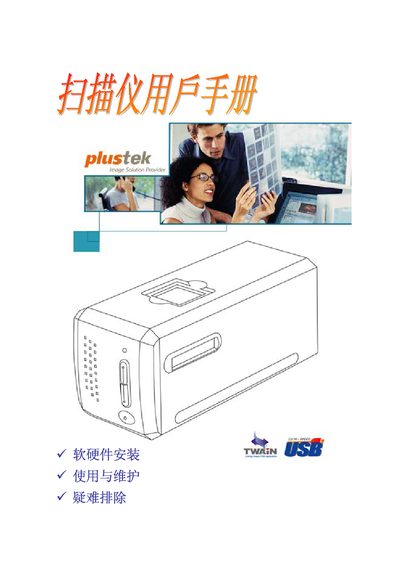
Plustek OpticFilm 7200 USB Scanner User Manual
This manual introduces the Plustek OpticFilm 7200 USB scanner, lists the original accessories, and details the system requirements for Windows computers. It guides users through hardware connection, software installation, and configuration steps.
The second part covers everyday use, maintenance tips, and a troubleshooting appendix. Technical specifications and warranty information are provided in the final appendices. This manual is written in Chinese.
Covers: Introduction · System Requirements · Original Accessories · Installation · Software Installation · Hardware Setup
Latest Plustek manuals
Plustek OpticFilm 720 User Manual
User Manual 30 pages · 673 KB · ENThe Plustek OpticFilm 720 user manual provides setup, operation, and troubleshooting instructions for the scanner.
Plustek OpticPro USB Scanner User Manual
User Manual 27 pages · 656 KB · ZHInstallation, operation, maintenance and troubleshooting guide for the Plustek OpticPro USB scanner.
Plustek USB Scanner Installation and User Manual
User Manual 27 pages · 746 KB · ZHPlustek USB scanner manual covering installation, software setup, operation, maintenance and troubleshooting.
Plustek OpticFilm 7200 USB Scanner User Manual
User Manual 29 pages · 663 KB · ZHThe Plustek OpticFilm 7200 USB scanner user manual provides installation, operation, maintenance and troubleshooting instructions.
Plustek Scanner User Manual
User Manual 38 pages · 1.9 MB · ZHThis Plustek scanner user manual provides installation, operation, safety, and troubleshooting instructions.
Plustek Network Video Recorder User Manual
User Manual 78 pages · 2.9 MB · ENThe Plustek Network Video Recorder User Manual provides setup, operation, and networking instructions for the NVR series.
Which document do I need?
User Manual
Day-to-day operation, settings and troubleshooting. Start here if the product is already set up.
Questions answered in Plustek manuals
Which Windows operating systems are supported?
The scanner works with Microsoft Windows 98, Me, 2000 Professional, and Windows XP.
Which operating systems are supported by the scanner?
The scanner works with Windows 2000, Windows XP (Home or Professional) and Windows Vista.
What are the minimum system requirements for using the scanner?
You need a Pentium III 1 GHz CPU, at least 256 MB RAM, a USB 2.0 port, 800 MB of free hard‑disk space and a display that supports 16‑bit color.
What network protocols does the NVR support?
It supports TCP/IP, SMTP, DNS, DDNS, and UPnP.