
This manual provides installation, setup, and operating instructions for Philips Ambilight televisions with models 32-37-42PF9531/93 and 42PF9541/93.
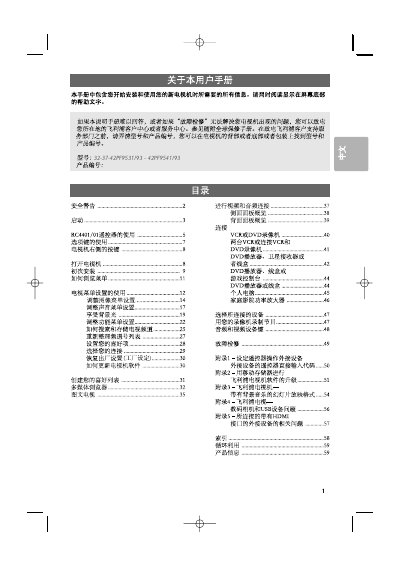
This user manual covers the installation, initial setup, and operation of Philips Ambilight televisions, specifically models 32-37-42PF9531/93 and 42PF9541/93. It details how to connect video and audio devices, configure the TV menu settings for image and sound, and utilize the unique Ambilight background lighting feature. The guide also includes instructions for using the remote control, managing channels, and performing basic troubleshooting. This manual is written in Chinese.
| Supported Video Formats | 480i, 480b, 576i, 576p, 720p, 1080i |
|---|---|
| Power Supply | R6 type - 1.5V |
Press the power switch on the right side of the television or press the power button on the remote control.
Ambilight is a background lighting feature that can be turned on or off using the dedicated button on the remote control.
The manual provides instructions on how to search for and store TV channels in the personal favorites list.