
Key facts
- Brand
- PFU
- Model
- S300
- Category
- Scanner
- Industry
- Electronics
- Documents
- 2
- Languages
- ZH
- Last added
- 2026-10-14
Start here
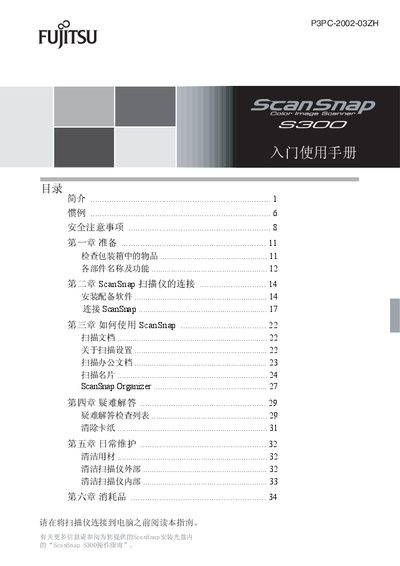
PFU ScanSnap S300 Color Image Scanner User Manual
The PFU ScanSnap S300 is a compact color image scanner designed to convert double-sided documents into PDF files efficiently. It features automatic detection of color versus black-and-white pages and includes software tools like ScanSnap Manager, ScanSnap Organizer, and CardMinder for managing scanned data and business cards. This manual is written in Chinese.
Read onlineAll PFU S300 documents by type
Day-to-day operation, settings and troubleshooting. Start here if the product is already set up.
Questions answered in these manuals
What is the ScanSnap S300?
The ScanSnap S300 is a color image scanner with double-sided scanning capability.
How fast can the scanner scan documents?
The scanner scans at approximately 8 pages per minute when connected via power cable or 4 pages per minute via USB power cable.
What is the maximum length allowed for the power cable?
The power cable length must not exceed 3 meters (10 inches).
What is the maximum sound pressure level of the scanner?
The highest sound pressure level is 70 dB (A) or less.