
Russian-language guide for installing Pantech UM150 modem drivers and setting up an internet connection on Windows XP and Windows 7.
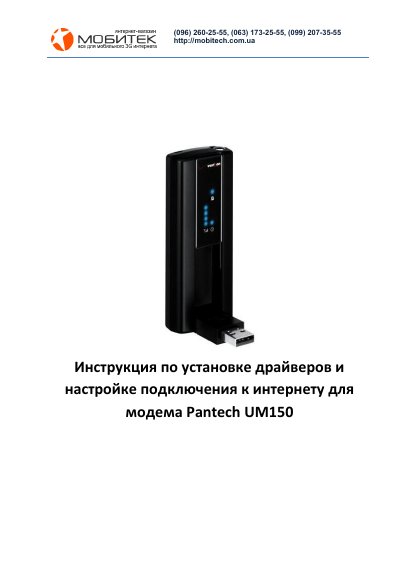
This document explains how to install the Pantech UM150 modem drivers from the supplied disk, including the VZAccess program for Windows XP and Windows 7, license acceptance, installation location selection, standard installation, and connecting the modem to a USB port for driver detection.
It then describes setting up a dial-up internet connection through Windows network settings using dial number #777, login IT, password IT, and connection name Intertelecom, ending with a successful connection message. This manual is written in Russian.
| Supported operating systems | Windows XP and Windows 7 |
|---|
The disk includes program versions for Windows XP and Windows 7.
The modem is connected to a USB port on the computer.