
User manual for the Pantech Touch QWERTY Slider smartphone, covering specifications, phone overview, menu navigation, calls, messaging, and warranty…
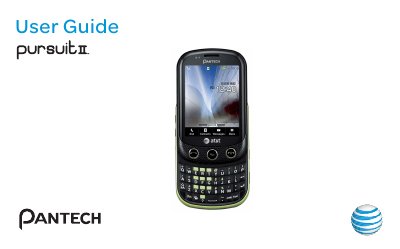
This manual provides operating instructions for the Pantech Touch QWERTY Slider smartphone, a device with a 2.8-inch QVGA touchscreen, slide-out QWERTY keyboard, 2-megapixel camera, and support for GSM/EDGE and UMTS/HSDPA networks. It includes details on hardware specifications, phone layout, key functions, menu structure, and basic operations such as making calls, sending messages, and managing contacts.
The document also covers getting started procedures (SIM card, battery, screen lock, language), call and address book features, messaging (text, multimedia, email), and a limited 12-month warranty from Pantech Wireless, Inc. with service contact information.
| Display | 2.8-inch TFT, 260k colors, 240x320 pixels (QVGA) |
|---|---|
| Camera | 2 MP CMOS, max resolution 1600x1200, MPEG4 video up to 15 fps (QVGA) |
| Dimensions | 101 x 61 x 15 mm (3.98 x 2.40 x 0.59 in) |
| Weight | 127 g (4.48 oz) with standard battery |
| Battery | Li-ion 1000 mAh, standby up to 250 hours, talk time up to 3 hours |
| Operating Frequency | GSM/GPRS/EDGE 850/900/1800/1900 MHz; UMTS/HSDPA 850/1900 MHz |
Press the Hold key to lock the touch screen.
The battery provides up to 250 hours of standby time.
It supports GSM/GPRS/EDGE 850/900/1800/1900 MHz and UMTS/HSDPA 850/1900 MHz networks.
Slide the screen up to reveal and use the QWERTY keypad.