
Panda V2 electric scooter instrument display user manual covering display functions, buttons, wiring sequence and the P00-P09 parameter settings menu.
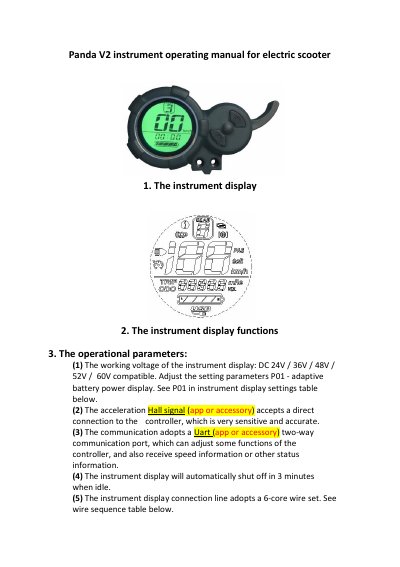
This is the operating manual for the Panda V2 instrument display used on electric scooters. It describes the display layout and functions, the operational parameters such as the compatible working voltage and the UART communication port, the wire sequence of the 6-core connection cable, and the two-button (P and M) control scheme.
The manual explains the daily operating steps - power on/off, switching electronic gears, changing the displayed information and the headlight - and then lists the parameter settings menu from P00 to P09 with defaults and descriptions. It closes with a table of fault icons for braking, controller, motor and handlebar faults.
| Working voltage | DC 24V / 36V / 48V / 52V / 60V compatible |
|---|---|
| Speed display range | 0~199 km/h or 0~199 mph |
| Electronic gear levels | 1 (low power) to 3 (high power) |
| Idle auto power-off | 3 minutes |
| Connection cable | 6-core wire set |
| Communication | Uart two-way communication port |
| Default tire size (P00) | 10.0 inches |
In the normal instrument display, long press the P button to switch the display on or off.
Press and hold the P and M buttons at the same time for about 3 seconds.
In the speed display state, short press the P button to choose between TIME, TRIP, ODO and VOL.
With controller support, long press the M button for about 3 seconds; if the icon is displayed the headlight is on, otherwise it is off.