
The Panda L22A01 LCD TV user manual provides safety instructions, setup, operation, remote control, specifications, and troubleshooting.
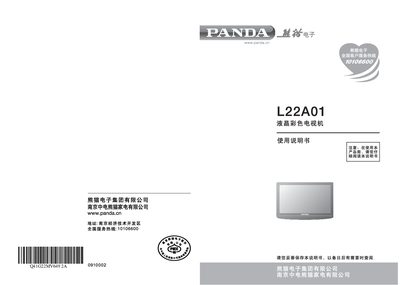
This manual covers important safety guidelines, how to connect and prepare the TV, and detailed installation steps for both floor placement and wall mounting. It also explains power connection, remote control usage, menu navigation, and signal source selection.
Additional sections describe the TV's specifications, computer display formats, a comprehensive troubleshooting guide, a glossary of terms, and compliance with Chinese RoHS regulations. This manual is written in Chinese.
| Model | L22A01 |
|---|---|
| Screen Size (diagonal) | 540 mm |
| Native Resolution | 1680 x 1050 |
| Supported Video Formats | YPbPr 480i, 480p, 576i, 576p, 720p, 1080i |
| Power Supply | 220 V 50Hz |
| Maximum Power Consumption | ≤ 75 W |
| Standby Power Consumption | ≤ 2 W |
| Antenna Input Impedance | 75 Ω |
Check the battery and replace it if necessary; also clean the remote‑control receiver on the TV.
Use a VGA cable to connect the computer’s video output to the TV’s PC input connector.
The TV consumes up to 75 W during operation and no more than 2 W in standby mode.