
The Panasonic FZ‑G2 series tablet computer user manual provides safety guidelines, setup steps, operation instructions and technical specifications.
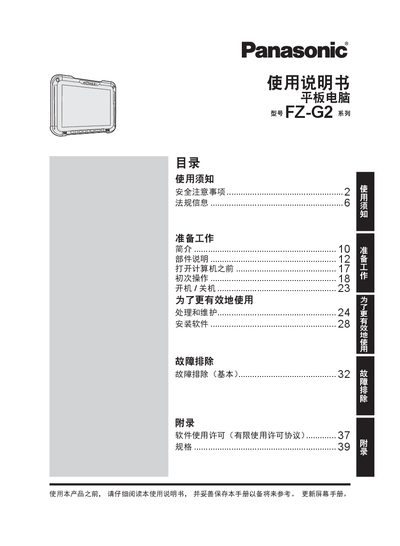
This manual covers safety information, preparation, component description, initial operation, power on/off procedures, troubleshooting and an appendix with specifications for the Panasonic FZ‑G2 series tablet computer. It also includes regulatory notices, battery handling advice and wireless communication guidelines.
The document is organized into clear sections with illustrated steps, warnings, and detailed hardware specifications such as CPU, memory, storage, display, battery, dimensions, and connectivity options. Users are instructed on proper charging, environmental limits, and what to do in case of faults or emergencies. This manual is written in Chinese.
| Processor | Intel® Core™ i5-10310U (or i7-10810U) with vPro® |
|---|---|
| Memory | 16 GB / 32 GB LPDDR4x SDRAM (configurable) |
| Display | 10.1" WUXGA (1920 × 1200) 16.7 M colors |
| Battery | 11.4 V Li‑ion, 4360 mAh, ~12 h runtime |
| Dimensions | 279 mm × 188 mm × 23.5 mm (W×D×H) |
| Weight | ≈1.19 kg |
| Operating System | Windows 10 Pro 64‑bit |
| Wireless LAN | Intel® Wi‑Fi 6 AX201 |
| Bluetooth | Version 5.1 |
| Ports | USB 3.0 (A) × 1, USB 3.1 (C) × 1 (PD), RJ‑45, HDMI |
Use only the supplied USB‑C power adapter that complies with IEC 62680‑1‑2, avoid high temperatures, and do not charge if the battery is damaged.
Immediately unplug the AC power cord and remove the battery, then contact technical support for repair.
No – the power must be turned off during flight and the device must not be used on an aircraft.
The manual states the tablet is not intended for use with medical devices or in operating rooms, and Panasonic is not liable for any interference.