
Instructions for registering and using the function‑expansion option for Panasonic WV‑ASM200 fisheye network cameras.
This manual explains how to register the function‑expansion option, configure image‑deformation compensation, and install the fisheye camera in various mounting positions. It also lists compatible recorders and cameras, and details software limitations.
Step‑by‑step procedures cover registration keys, setting image capture modes, using the Fish Eye Display menu, and troubleshooting common issues such as unsupported screen modes or resolution settings. This manual is written in Chinese.
| Supported image capture modes | 3M 鱼眼[4:3] or 1.3M 鱼眼[4:3] |
|---|
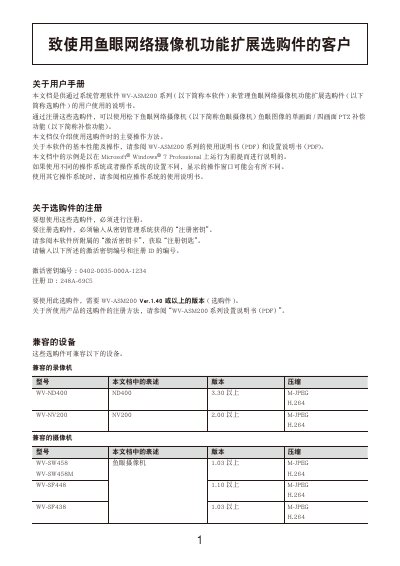
Enter the registration key and ID shown in the activation key card (e.g., 0402‑0035‑000A‑1234 and 248A‑69C5) into the WV‑ASM200 software.
The camera must be set to a fisheye capture mode (e.g., 3M 鱼眼[4:3] or 1.3M 鱼眼[4:3]) and the appropriate resolution (2048×1536 or 1280×960 for M‑JPEG, 1280×960 for H.264).
Ensure the screen type is set to single‑screen or four‑screen; the option does not work with 9‑screen or more configurations.