
This manual covers the OnLogic Karbon 300 industrial computer, including specifications, I/O definitions, mounting, microcontroller, and power management.
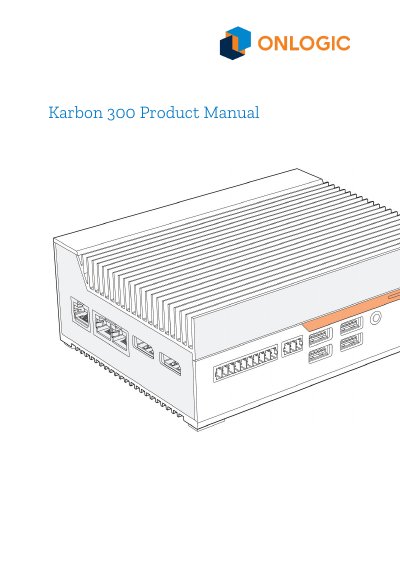
This user manual covers the OnLogic Karbon 300 series industrial computer, including models K300-E3930-4-P, K300-E3930-4P-P, K300-E3950-8-P, and K300-E3950-8P-P. It describes accessories, product specifications, exterior dimensions, and motherboard features.
The document provides I/O definitions for serial ports, DIO, LEDs, CAN bus, and LAN. It also includes wall, DIN rail, shock and vibration, and VESA mounting instructions, plus microcontroller overview and power management details.
| Processor | Intel Atom x5-E3930 Dual-core or Intel Atom x7-E3950 Quad-core |
|---|---|
| Memory | 4GB or 8GB Onboard LPDDR4 |
| Dimensions | 56 x 154 x 119 mm |
| Voltage Input | 9~36 VDC |
| Operating Temperature | -25°C ~ 70°C |
The nominal operating voltage is 9~36 VDC.
It supports wall mount, DIN Rail mount, and VESA mount.
Windows 10 and Ubuntu 18.04 are supported.