
This manual covers the overview of Karbon 300 products, exterior features and dimensions, motherboard overview, I/O definitions, mounting instructions, microcontroller and power management.
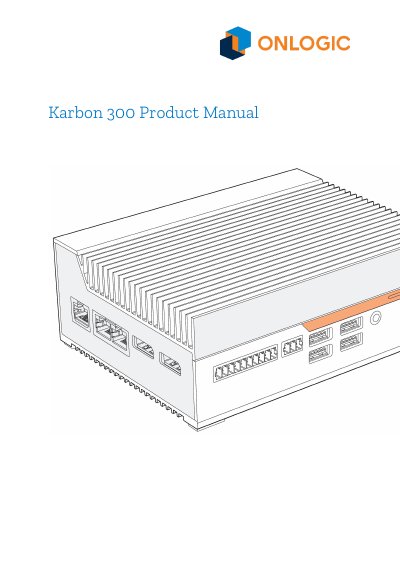
This manual covers the Karbon 300 industrial computer’s system overview, I/O definitions, mounting instructions, and power management. It includes specifications for processors, memory, graphics, and connectivity options. The document also details the OnLogic Microcontroller (MCU) interface, CAN bus, DIO, and serial ports. Mounting options include wall, DIN rail, and VESA mounts. Power management features include wake-up events and protection circuitry for 9–36VDC input.
| Processor | Intel Atom x5-E3930 Dual-core or Intel Atom x7-E3950 Quad-core |
|---|---|
| Memory | 4GB Onboard LPDDR4 or 8GB Onboard LPDDR4 |
| Integrated Graphics | Intel HD Graphics 500 or Intel HD Graphics 505 |
| Operating Temperature | -25°C ~ 70°C |
| Operating Humidity | 10 ~ 90% (non-condensing) |
| Voltage Input | 9~36 VDC |
The Karbon 300 can be mounted via wall mount, DIN rail, or VESA mount.
The Karbon 300 accepts 9–36VDC input.