
Key facts
- Manuals
- 3
- Models
- 1
- Languages
- EN
- Last added
- 2026-10-31
Onlogic models by category
Featured Onlogic manuals
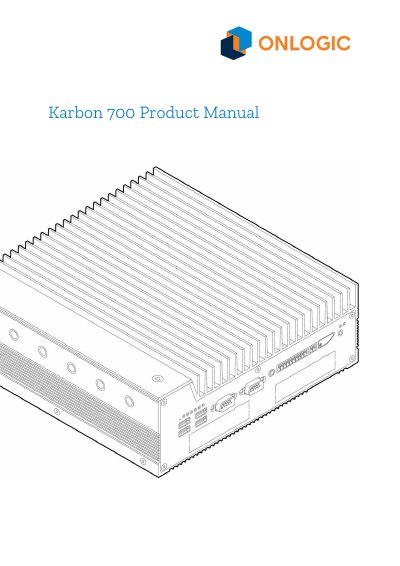
OnLogic Karbon 700 Product Manual
This manual details the Karbon 700 series, including its system overview, I/O definitions, mounting instructions, microcontroller, power management, and test reports. It covers both K700-SE and K700-X2 models, with specifications for processors, memory, I/O ports, and certifications. The document also includes test results for electrical supply/load disturbance, conducted transients, and EN 50121-3-2 compliance.
The manual provides mounting guidance for wall and vibration-isolated installations, along with environmental and certification data including operating temperature ranges and compliance with FCC, RoHS, and MIL-STD-810G standards.
Covers: System Overview · I/O Definitions · Mounting Instructions · Microcontroller · Power Management · Test Reports
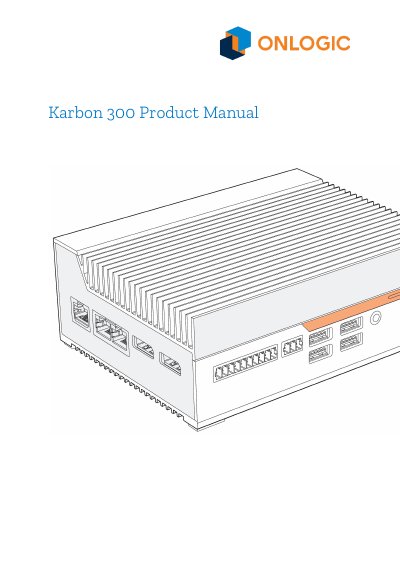
OnLogic Karbon 300 User Manual
This manual covers the Karbon 300 industrial computer’s system overview, I/O definitions, mounting instructions, and power management. It includes specifications for processors, memory, graphics, and connectivity options. The document also details the OnLogic Microcontroller (MCU) interface, CAN bus, DIO, and serial ports. Mounting options include wall, DIN rail, and VESA mounts. Power management features include wake-up events and protection circuitry for 9–36VDC input.
Covers: System Overview · I/O Definitions · Mounting Instructions · Microcontroller · Power Management · Product Specifications
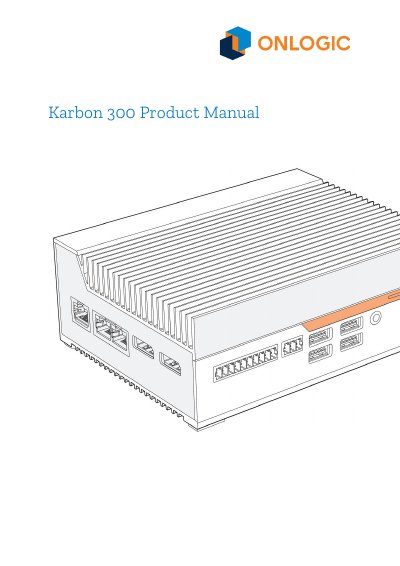
OnLogic Karbon 300 Product Manual
The document serves as a comprehensive guide for the OnLogic Karbon 300 series of embedded computers. It details the system architecture, including various processor options like Intel Atom x5-E3930 and x7-E3950, memory configurations, and supported operating systems such as Windows 10 and Ubuntu.
The manual provides extensive technical information on Input/Output (I/O) definitions for serial ports, Digital I/O (DIO), CAN bus, and LAN interfaces. It also includes specific instructions for mounting the device via wall brackets, DIN rail, or VESA standards, along with a detailed overview of the onboard microcontroller used for system configuration.
Covers: System Overview · Product Specifications · Exterior Features and Dimensions · Motherboard Overview · I/O Definitions · Mounting Instructions
Latest Onlogic manuals
OnLogic Karbon 700 Product Manual
User Manual 26 pages · 2.3 MB · ENUser manual for OnLogic's Karbon 700 series, covering system specs, I/O, mounting, microcontroller, power, and test reports.
OnLogic Karbon 300 User Manual
User Manual 19 pages · 3.2 MB · ENUser manual for OnLogic Karbon 300 industrial computer with I/O, mounting, and power management details.
OnLogic Karbon 300 Product Manual
User Manual 18 pages · 2.2 MB · ENThis manual covers the system overview, specifications, I/O definitions, mounting instructions, microcontroller features, and power management for the…
Which document do I need?
User Manual
Day-to-day operation, settings and troubleshooting. Start here if the product is already set up.
Questions answered in Onlogic manuals
What are the operating temperature ranges for the Karbon 700?
Operating temperature ranges are -40°C ~ 70°C for 35W TDP CPU, -40°C ~ 50°C for 60W TDP CPU, and -40°C ~ 40°C for 80W TDP CPU.
What is the processor used in the Karbon 700?
The processor is Intel 8th Gen Coffee Lake & 9th Gen Coffee Lake Refresh LGA1151 Celeron, Pentium, Core & Xeon E up to 80W.
What are the mounting options for the Karbon 300?
The Karbon 300 can be mounted via wall mount, DIN rail, or VESA mount.
What is the power input range for the Karbon 300?
The Karbon 300 accepts 9–36VDC input.
What is the nominal operating voltage for the Karbon 300?
The nominal operating voltage (Rated DC value of input) is 9~36VDC.
What are the undervoltage and overvoltage protection trip levels?
The system turns off at an undervoltage trip of 8.1V and an overvoltage trip of 42.5V.