
Karbon 300 Product Manual introduces the appearance, dimensions, interfaces, electrical characteristics, mounting methods and other information of Karbon 300.
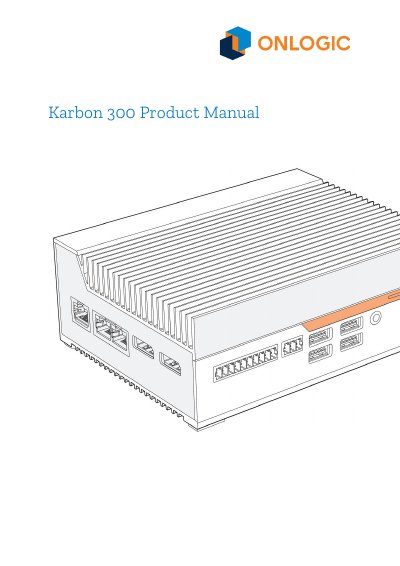
The document serves as a comprehensive guide for the OnLogic Karbon 300 series of embedded computers. It details the system architecture, including various processor options like Intel Atom x5-E3930 and x7-E3950, memory configurations, and supported operating systems such as Windows 10 and Ubuntu.
The manual provides extensive technical information on Input/Output (I/O) definitions for serial ports, Digital I/O (DIO), CAN bus, and LAN interfaces. It also includes specific instructions for mounting the device via wall brackets, DIN rail, or VESA standards, along with a detailed overview of the onboard microcontroller used for system configuration.
| Memory Capacity | 4GB Onboard LPDDR4 or 8GB Onboard LPDDR4 |
|---|---|
| Operating Systems | Windows 10, Ubuntu 18.04 |
| Voltage Input Range | 9~36 VDC |
| Operating Temperature | -25°C ~ 70°C |
| Dimensions | 56 x 154 x 119 mm |
The nominal operating voltage (Rated DC value of input) is 9~36VDC.
The system turns off at an undervoltage trip of 8.1V and an overvoltage trip of 42.5V.
Yes, the device supports DIN Rail mounting via edge and bottom brackets.