
Quick Reference Guide for the Océ CM2510 / CM4010 covering basic copying, sending documents via e-mail, and sending a fax.
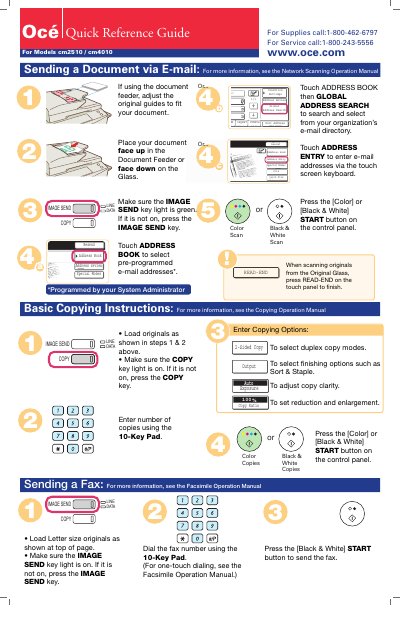
This Quick Reference Guide gives short operating steps for the Océ CM2510 / CM4010. It covers basic copying instructions, sending a document via e-mail, and sending a fax, using the control panel keys, the 10-Key Pad, and the touch panel.
The guide also points to the Copying, Network Scanning, and Facsimile Operation Manuals for more detail, and lists service and supplies phone numbers.
Make sure the IMAGE SEND key light is green, place the document in the feeder or on the glass, then touch ADDRESS ENTRY or ADDRESS BOOK and press the Color or Black & White START button.
Load the originals, make sure the COPY key light is on, enter the number of copies with the 10-Key Pad, then press the Color or Black & White START button.
Load Letter size originals, make sure the IMAGE SEND key light is on, dial the number with the 10-Key Pad, then press the Black & White START button.