
This is a quick start guide that introduces the features and operation of im2330 and im2830
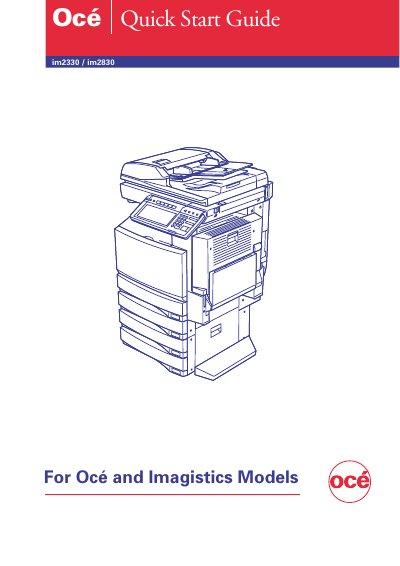
This guide helps you set up and use your Océ im2330 or im2830 multifunctional digital system. It covers connecting the device to USB or network, installing software, configuring printing, scanning, and fax features. It also includes legal notices, software licenses, and security precautions. The guide assumes you’ve read the full manual before using the device.
The product was originally made by Imagistics International Inc. and is now part of the Océ brand. Some components may still carry the Imagistics name but are fully compatible with Océ systems.
The device is the Océ im2330 or im2830.
This guide covers setup flow for installation, connections, software, printing, scanning, fax, and e-filing features.