
This manual describes the security functions for the Océ im9220, including Enhanced Security mode, user authentication, data protection, and administrator…
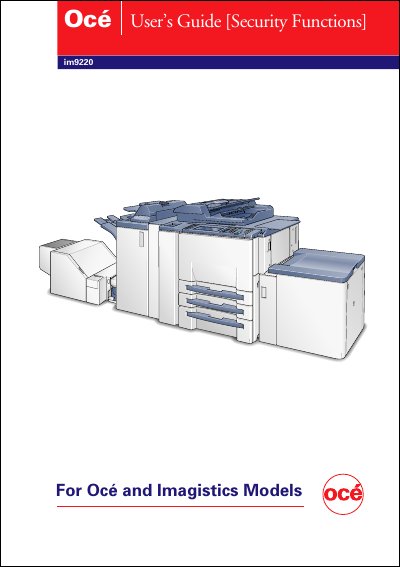
The Océ im9220 device operates in two security modes: Normal mode, which is the default for single-user environments, and Enhanced Security mode, designed for networked environments to prevent illicit access and data tampering. An administrator manages the Enhanced Security mode, controlling user access and data protection features.
Key features covered in this guide include user authentication, the ability to register and manage users, the HDD Store Function for saving data in secure boxes, and administrator security functions such as enabling/disabling Enhanced Security mode, setting HDD lock passwords, and analyzing audit logs to detect unauthorized actions.
| Image control program version format | 2 digits + 4 zeros following the hyphen |
|---|---|
| Controller control program version format | 2 digits + 4 zeros following the hyphen |
Use this mode if the machine is connected to a local area network, or to external networks through a telephone line or other means.
Only an Administrator can turn the Enhanced Security mode ON and OFF and make other changes.
No, the Enhanced Security mode cannot be turned ON when the Machine NIC is activated.