
Guide to managing Océ im4530 / im3530 multifunctional systems using department management, user settings, and scan-to-e-mail authentication.
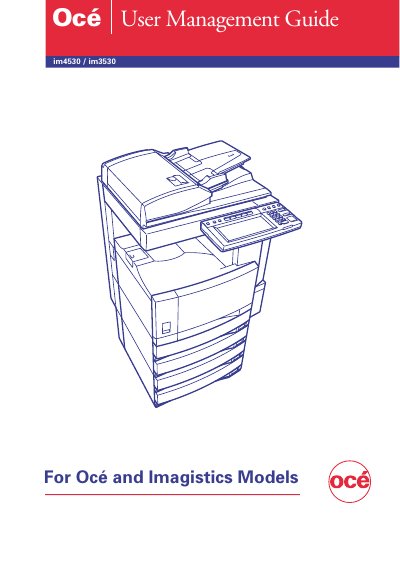
The Océ User Management Guide covers the im4530 / im3530 multifunctional digital systems and explains how to manage the equipment with Department Management, User Management Setting, and User Authentication for Scan to E-mail. It also explains conventions used in the guide and lists related manuals available for the system.
The beginning of the document contains a software license agreement, including terms for the grant of license, warranty disclaimer, limitation of liability, and U.S. Government restricted rights. It also includes trademark and copyright information and a preface that describes the purpose and lineup of the documentation.
It explains how to manage the equipment with user management functions such as department management, User Management Setting, and User Authentication for Scan to E-mail.
The guide covers Department Management, User Management Setting, and User Authentication for Scan to E-mail.
Other guides are provided by the User Documentation CD-ROM in PDF files.
The software is provided “as is” without warranty of any kind, either express or implied.